AI never sees a name
Before any document reaches a language model, BoardDrive strips names, addresses, phone numbers, emails, and dates. The AI reads the substance, never the identities.
Build the agenda, attach the documents, publish. Your board and your community see it the moment you're done — and nobody needs training to use it.
Regular Board Meeting
Your Drive
Most agenda platforms take custody of your files. BoardDrive doesn't. Attachments are created inside your district's own Google Shared Drive, owned by your district, under your retention policy — and all we keep is a link to them.
An attachment in BoardDrive is a link to your document and a name.
Every attachment carries its own Public or Private switch. A private file stays with the board — left out of the public packet and refused to anyone else.
Stop using BoardDrive and your documents are exactly where they have always been, in the folder structure you already know, owned by the same accounts.
See it work
Press play on any of them. These are walkthroughs of the real screens — every click, in the order you’ll make it, captioned as it happens.
01
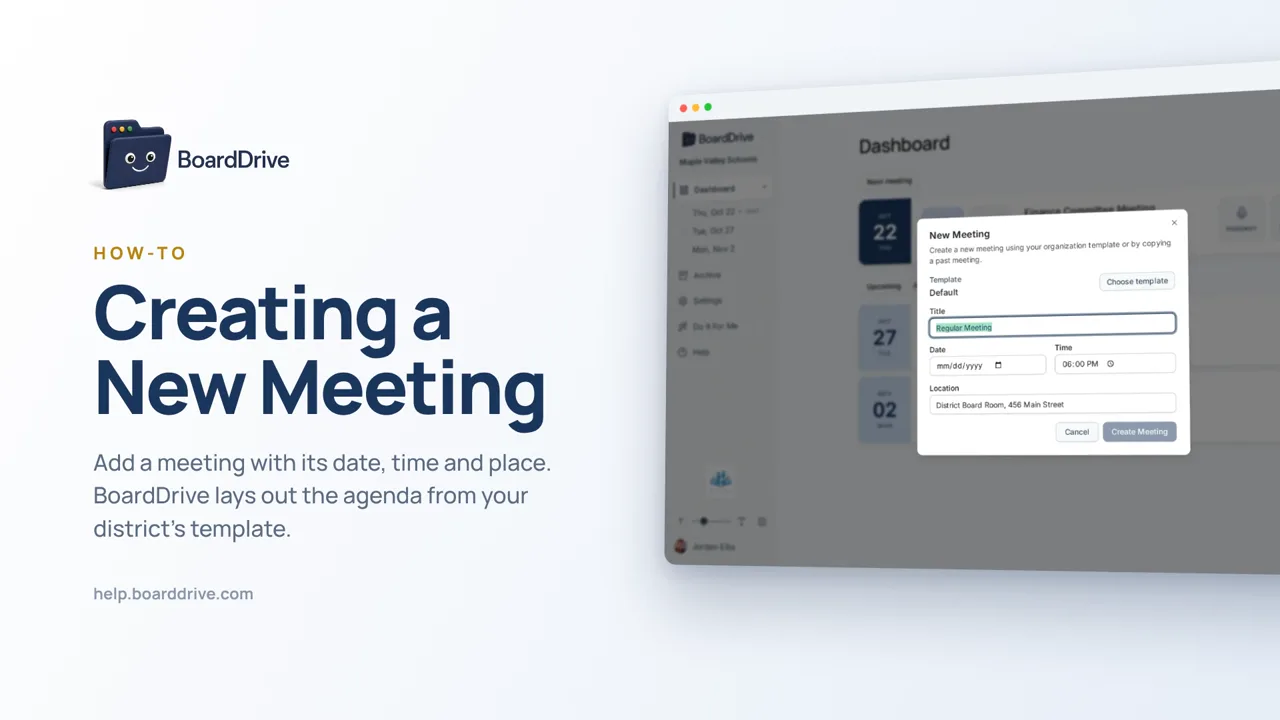
Your template brings its own sections. Set the date, time and place and it’s on the dashboard.
Dashboard
Add MeetingUpcoming & drafts
Regular Board Meeting
02
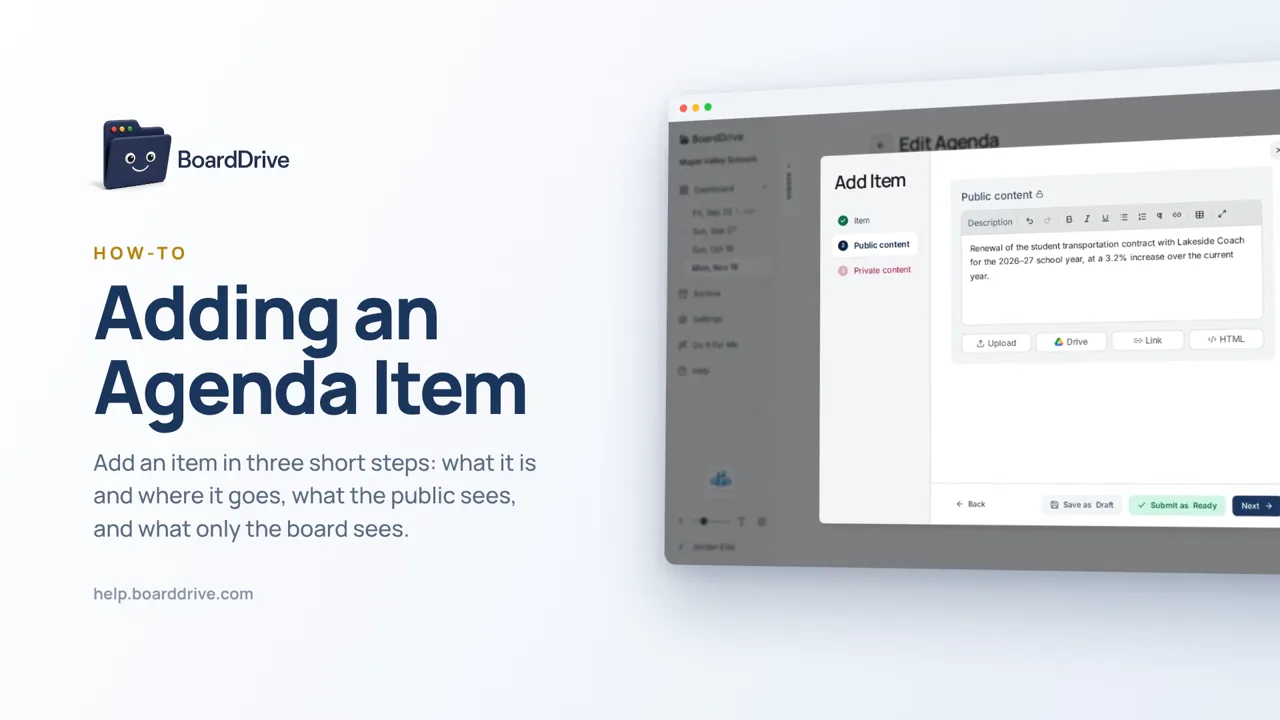
Title and section are all that’s required. Description and attachments — including from your Google Drive — come next.
Dashboard
Add MeetingUpcoming & drafts
Regular Board Meeting
03
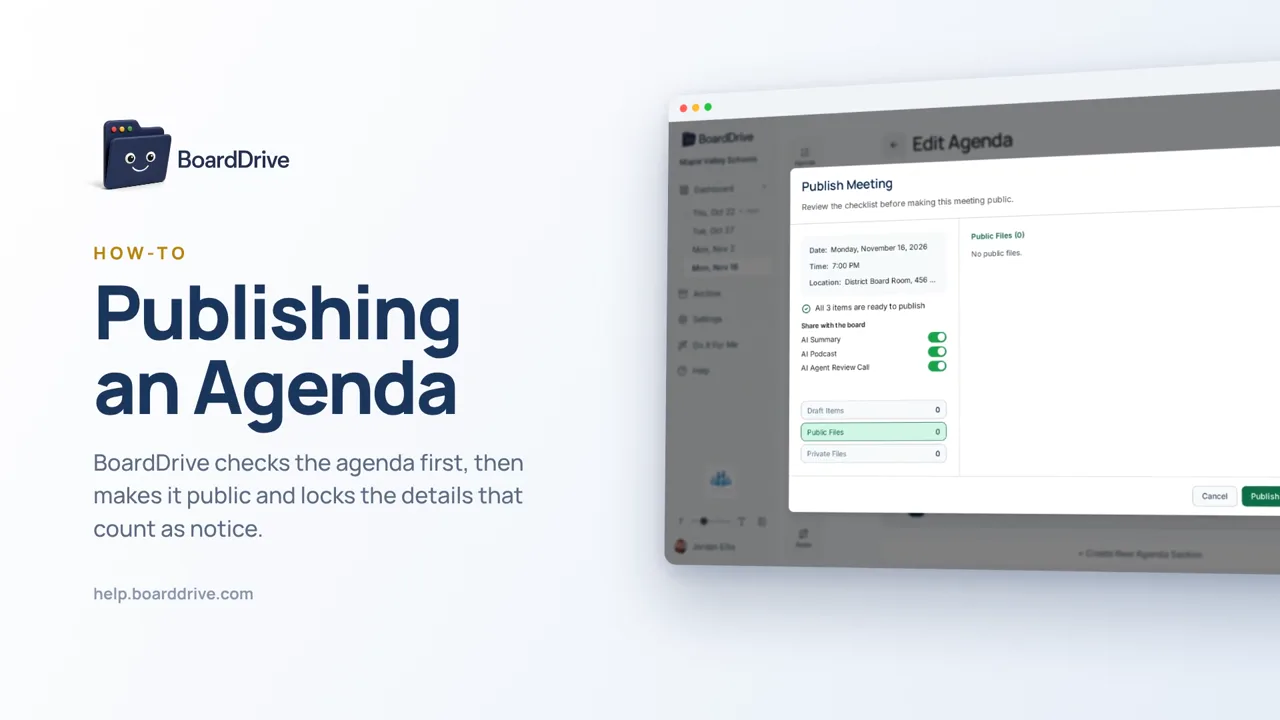
Mark the items ready, run the checklist, and the agenda is on your public archive.
Dashboard
Add MeetingUpcoming & drafts
Regular Board Meeting
Features
The whole meeting lifecycle — from a blank agenda to a permanent public record.
Drag-and-drop sections, consent items, and private executive-session blocks. Save a template and start every meeting from it.
Attach from your computer or pick straight out of Drive. The public previews them in the browser with no Google account and no downloads.
Superuser, Admin, Board Member, Staff, and Public. Private sections stay invisible to everyone who shouldn't see them, including in the public archive.
A clear lifecycle with status at every stage, so nobody has to ask whether the agenda is final.
One click assembles the full packet — every attachment, private sections included, with generated item summaries — as a single PDF.
Paste a YouTube link or upload the recording. BoardDrive drafts the minutes, writes a plain-language summary, and can narrate it as audio.
Past agendas, packets, and approved minutes stay online in a clean, searchable archive — the transparency record, handled.
The public and board views are fully responsive. Community members read agendas and open documents on whatever they have. No app to install.
Security & trust
School boards handle some of the most sensitive material in local government. The defaults reflect that.
Before any document reaches a language model, BoardDrive strips names, addresses, phone numbers, emails, and dates. The AI reads the substance, never the identities.
Every attachment carries its own AI consent flag, and it defaults to off. A document is never sent to a model because someone forgot to opt out — only because someone opted in.
Each district's data lives in its own database, not a shared table filtered by a district ID. There is no query that could accidentally return another district's rows.
Private sections are filtered server-side by role — they never reach a browser that shouldn't have them, and they're excluded from public agendas and packets.
Pricing
Every board member, every staff member, and the whole public are included at every tier.
Post a compliant agenda, nothing more. No database — your Drive is the system of record.
$500
Per district / year
The full agenda platform, with a public archive and role-based access for the whole board.
$1,500
Per district / year
Everything in Core, plus the AI that turns a three-hour meeting into something people actually read.
$2,500
Per district / year
Start free on your own in a couple of minutes — or let us set up your Drive and import your existing agendas before you go live.
Get in touch
Tell us your district and how your board meets today. We'll show you what your next agenda looks like in BoardDrive — using your own documents.
Set your first meeting up free — no card, no call. Already using BoardDrive? Use your district's own link.